Microburst Monthly
Microburst Monthly is a done-for-you toolbox talk program that keeps safety front and center every single month — without the scramble of finding a topic, building the material, and proving it all happened. Each month, Life and Safety releases a fresh talk on a timely, high-impact hazard, delivered in three parts that work together: a ready-to-print poster, a ready-to-lead toolbox talk, and a short refresher video your crew watches.
Before the video plays, each worker signs off — entering their first name, last name, and their manager’s ID number, which is printed right on the poster and the toolbox talk — so attendance records itself and you keep a clean, audit-ready history of who was trained on what. Run it on its own, or switch it on inside the Life and Safety LMS so your talks and training records share the same users, groups, and logins.
Engaging Safety Content with Audit-Ready Records
A safety meeting isn’t finished when the talk ends — it’s finished when you can prove the whole crew was there. Therefore, Microburst Monthly carries every topic through the full cycle:
We Publish the Month’s Topic
Each month we release a new toolbox talk built around a timely, high-impact hazard — heat stress, fall protection, lockout/tagout, and more. Every release arrives complete: the poster, the talk, and the video are ready to go, so there is nothing for you to research or design.
Post the Poster, Lead the Talk
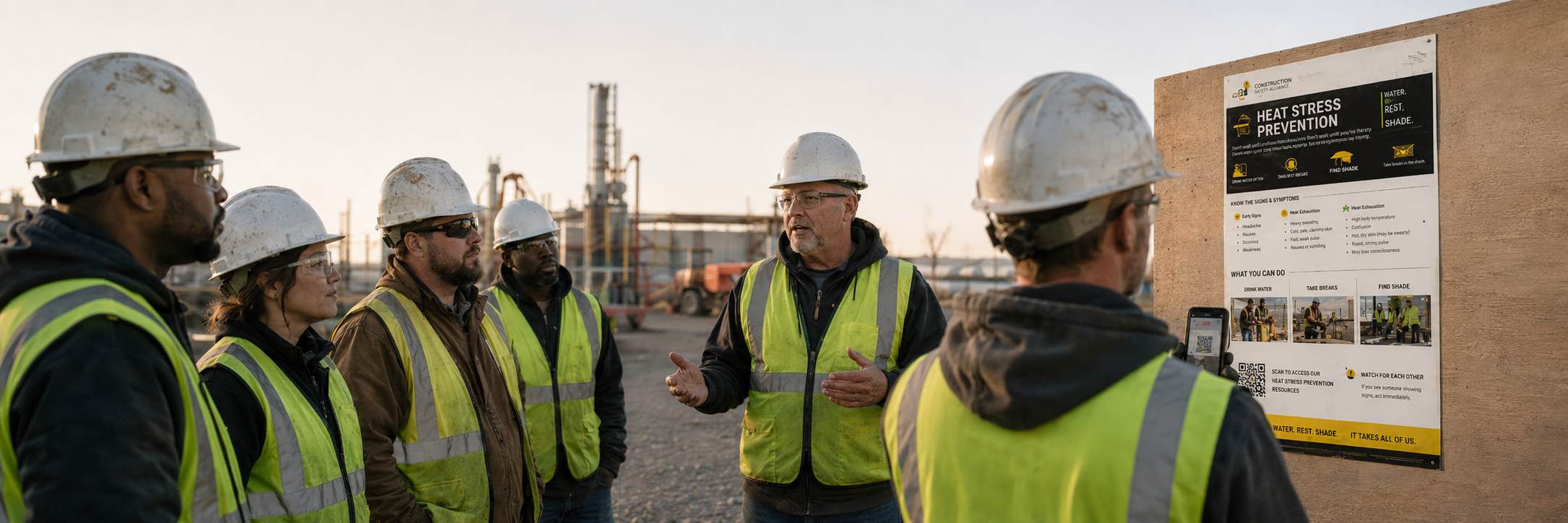
Hang the poster where the crew gathers so the message stays in front of them all month. Then run the toolbox talk in your regular meeting using the ready-made talking points — no prep required on your end.
Scan and Sign Off
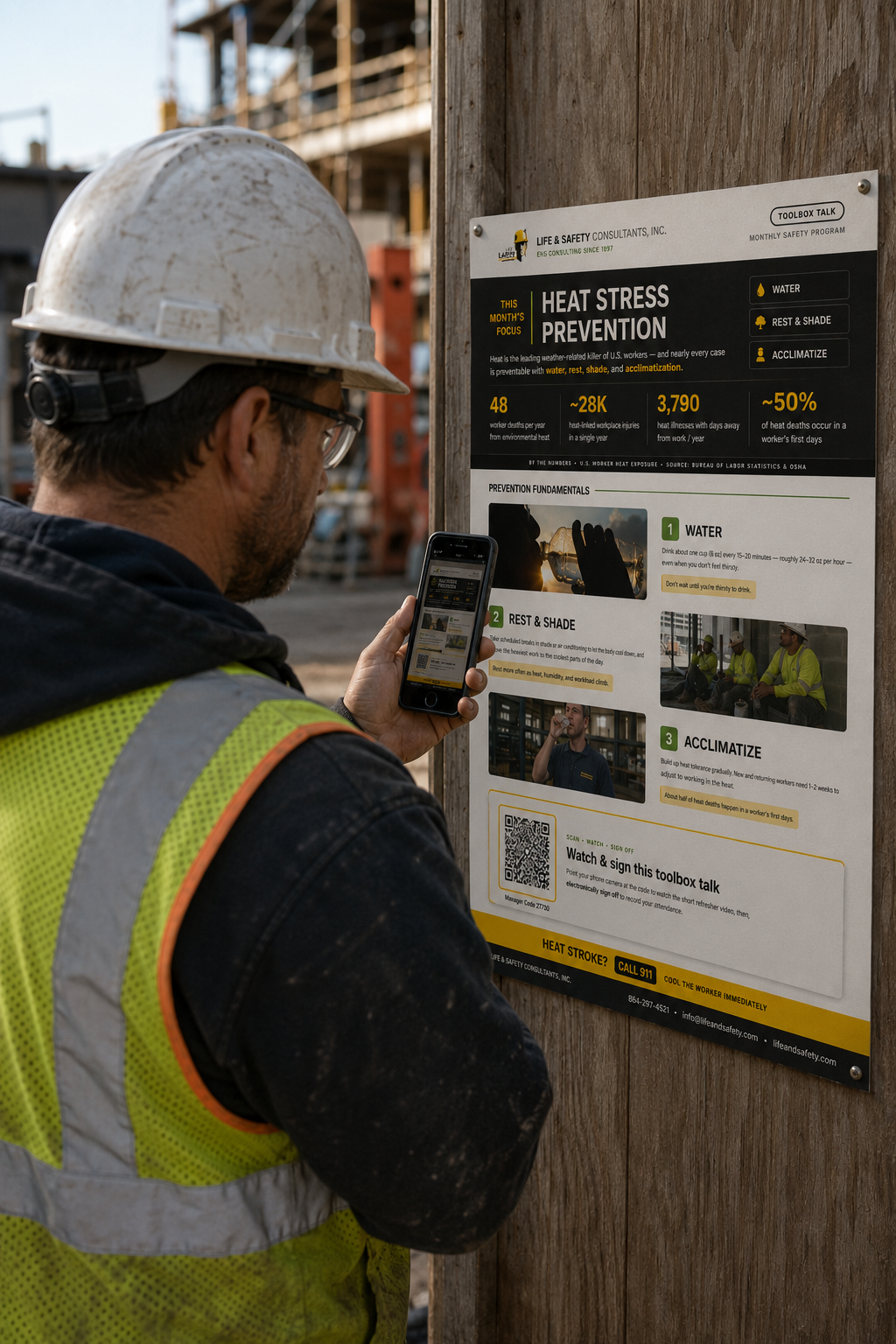
Each worker scans the QR code and signs off before the video plays — entering their first name, last name, and their manager’s ID number, which is printed right on the poster and the toolbox talk. That sign-off records their attendance automatically, with no sign-in sheets and no manual data entry.
Watch and Learn
The short refresher video plays — quick, memorable, and easy to finish. Because everyone signed off first, you are left with a clean, audit-ready record of exactly who completed each month’s talk, ready whenever an auditor asks.
Three Parts, One Program
Every month’s release includes all three — something for the wall, the meeting, and the phone.
The Poster
Keeps the topic front and center
- Professionally designed one-page format
- Key stats, prevention fundamentals, and takeaways
- Print and post it in the break room or job site
- Reinforces the message all month long
The Toolbox Talk
Ready to lead, zero prep
- Concise talk built around the month’s hazard
- Clear talking points you can run in any meeting
- No research, no slide-building on your end
- Consistent message across every crew and shift
The Video
Sign off, then watch
- Launched with a simple QR-code scan
- Worker signs off first — first name, last name, manager ID
- Short refresher plays once they’re signed off
- Attendance recorded automatically
Why Teams Use Microburst Monthly
Zero Prep, Every Month
No more hunting for a topic or building material from scratch. A complete, professionally designed talk lands on schedule — poster, talk, and video — so your safety meeting is ready before you even open your calendar.
Training That Actually Gets Done
Short, engaging, and mobile-friendly, the format is built for busy crews. Because workers sign off and watch in just a couple of minutes, participation stays high and the message sticks.
Audit-Ready Records
Every sign-off is captured automatically, so you always know who completed each month’s talk. When an auditor, client, or insurer asks for proof of training, the record is already there — no sign-in sheets to dig up.
Stronger Safety Culture
Engaging content that turns safety training into lasting habits — strengthening safety awareness, improving accountability, and creating a shared commitment to a safer workplace.
Frequently Asked Questions
Every month you receive a complete toolbox talk package on a timely safety topic, delivered in three parts: a ready-to-print poster for the break room or job site, a ready-to-lead toolbox talk with clear talking points, and a short refresher video your crew watches.
Workers scan the QR code on the poster, then sign off before the video plays by entering their first name, last name, and their manager’s ID number — which is printed right on the poster and the toolbox talk. That sign-off is recorded automatically, so attendance is captured without sign-in sheets or manual data entry, and you keep an audit-ready record of who completed each month’s talk.
No. Microburst Monthly runs perfectly well on its own. However, if you already use the Life and Safety LMS, you can switch it on so that your toolbox talks and training records share the same users, groups, and logins.
Each month focuses on a timely, high-impact safety topic drawn from the hazards crews face most — for example heat stress prevention, fall protection, lockout/tagout, PPE, and more. The rotating schedule keeps training fresh and relevant throughout the year rather than repeating the same handful of subjects.
See Microburst Learning in Action
Take a look at a real Microburst Monthly release — poster, talk, and video — and see how quickly your crew can sign off and watch. When you’re ready to talk specifics, use the form below or give us a call.
Contact Us
Tell us a little about your team and we’ll follow up within one business day.
"*" indicates required fields